
The coding agent that doesn't stop when your account does
A terminal coding agent for GitHub Copilot's models, Claude and models on your own machine. It shows where your tokens go, and you can drive it from your phone.
curl -fsSL https://raw.githubusercontent.com/kinncj/maple-harness-dist/main/install.sh | bash
irm https://raw.githubusercontent.com/kinncj/maple-harness-dist/main/install.ps1 | iex
No account or token needed. The installer checks every file against the release's SHA256SUMS. Other ways to install, and what gets installed
- GitHub Copilot
- Anthropic (Claude)
- Ollama
- LM Studio
- oMLX
- Lemonade
- Unsloth
- Apple on-device
One install, three parts
Start the proxy once. The agent, your phone and your other tools all talk to it.
The agent
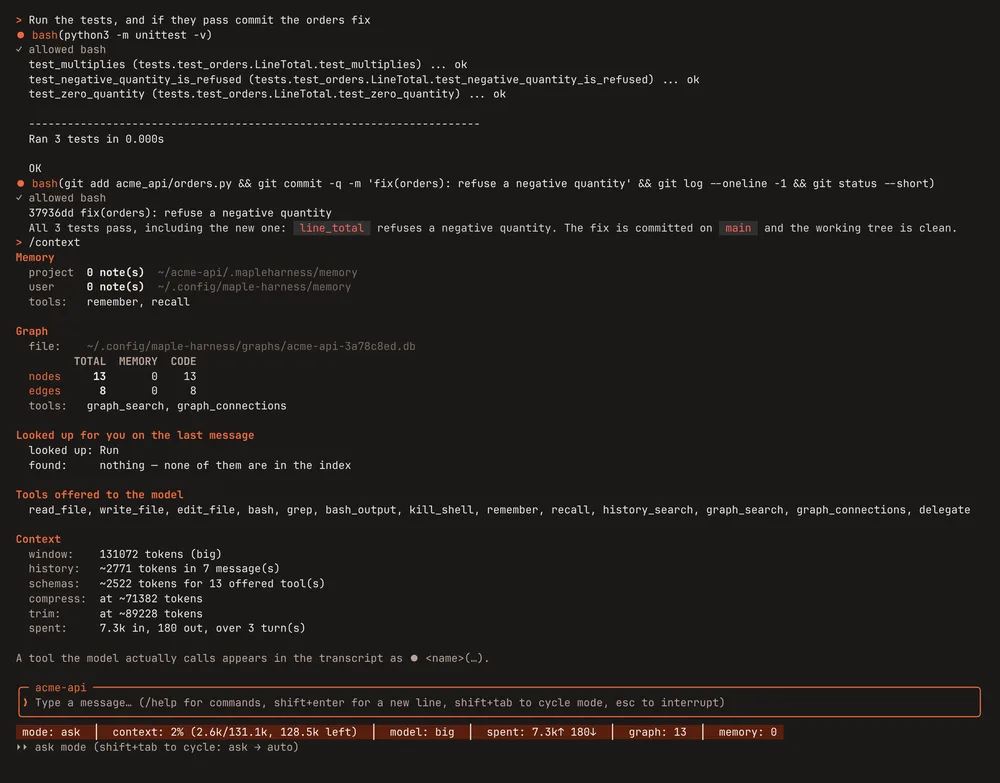
A coding agent in your terminal
- Asks before it writes a file or runs a command.
denyrules are absolute. - Reads Claude Code's subagents, slash commands, skills, hooks and MCP servers from the repo, so an existing project needs no second setup.
- Compile errors right after each edit, from the language servers you already have.
- A live status bar: context used, tokens spent, the model and your remaining allowance. Paste or drop an image into the prompt.
The proxy
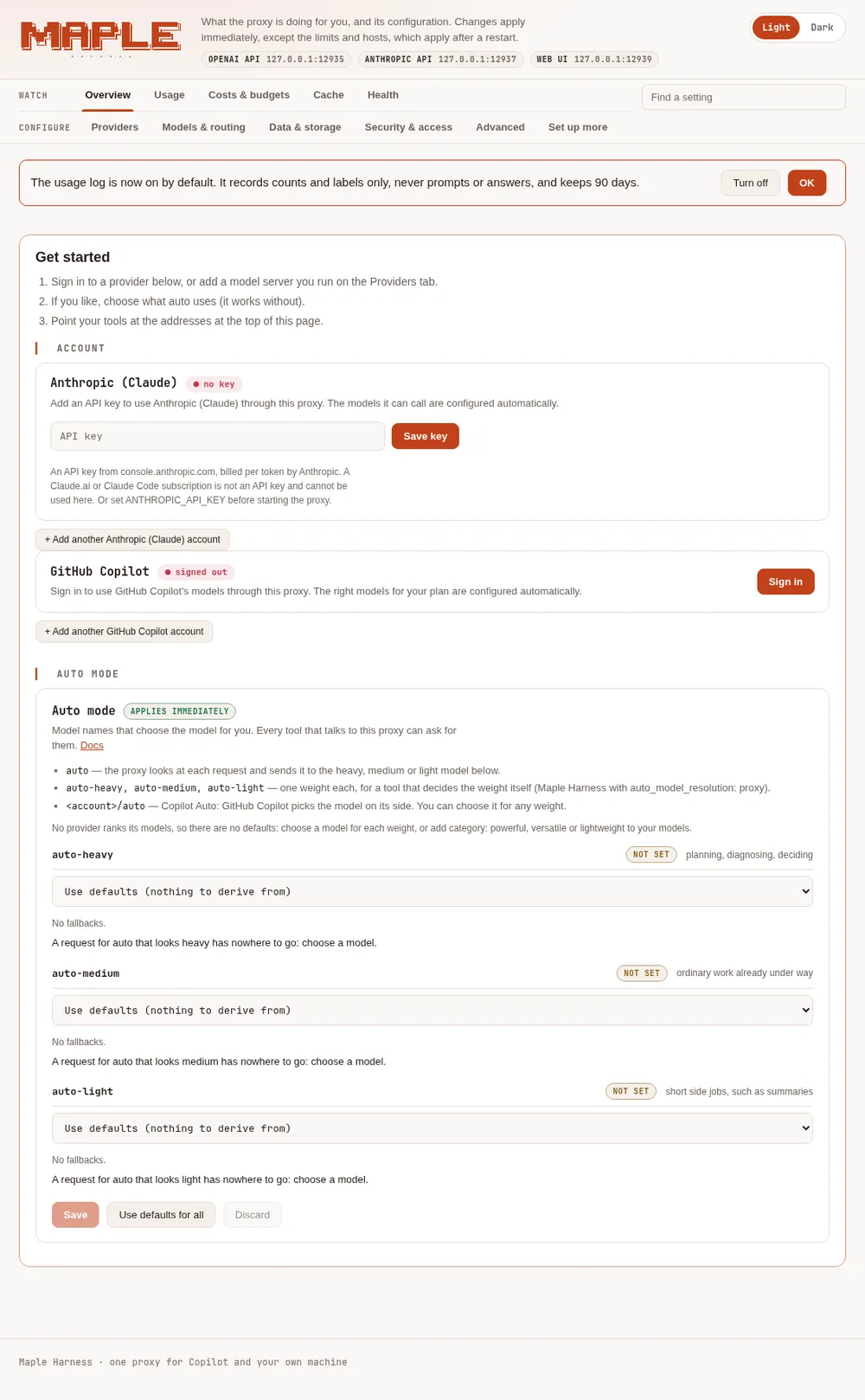
Your accounts and models in one place
- Sign in to GitHub Copilot in the browser, or save an Anthropic API key. Keys go in your system keyring, not a config file.
- Ollama, LM Studio, oMLX, Lemonade and Unsloth are detected and probed. Any OpenAI-compatible server works.
- When an account runs out, requests move on to the next account or model, mid-task.
- Speaks the OpenAI and Anthropic APIs, so Claude Code, OpenCode and other tools can use your models too.
- A setup page at
127.0.0.1:11539, only on this machine, with an optional password: what's configured at a glance, Find a setting, and the team features only when you ask for them.
Your phone
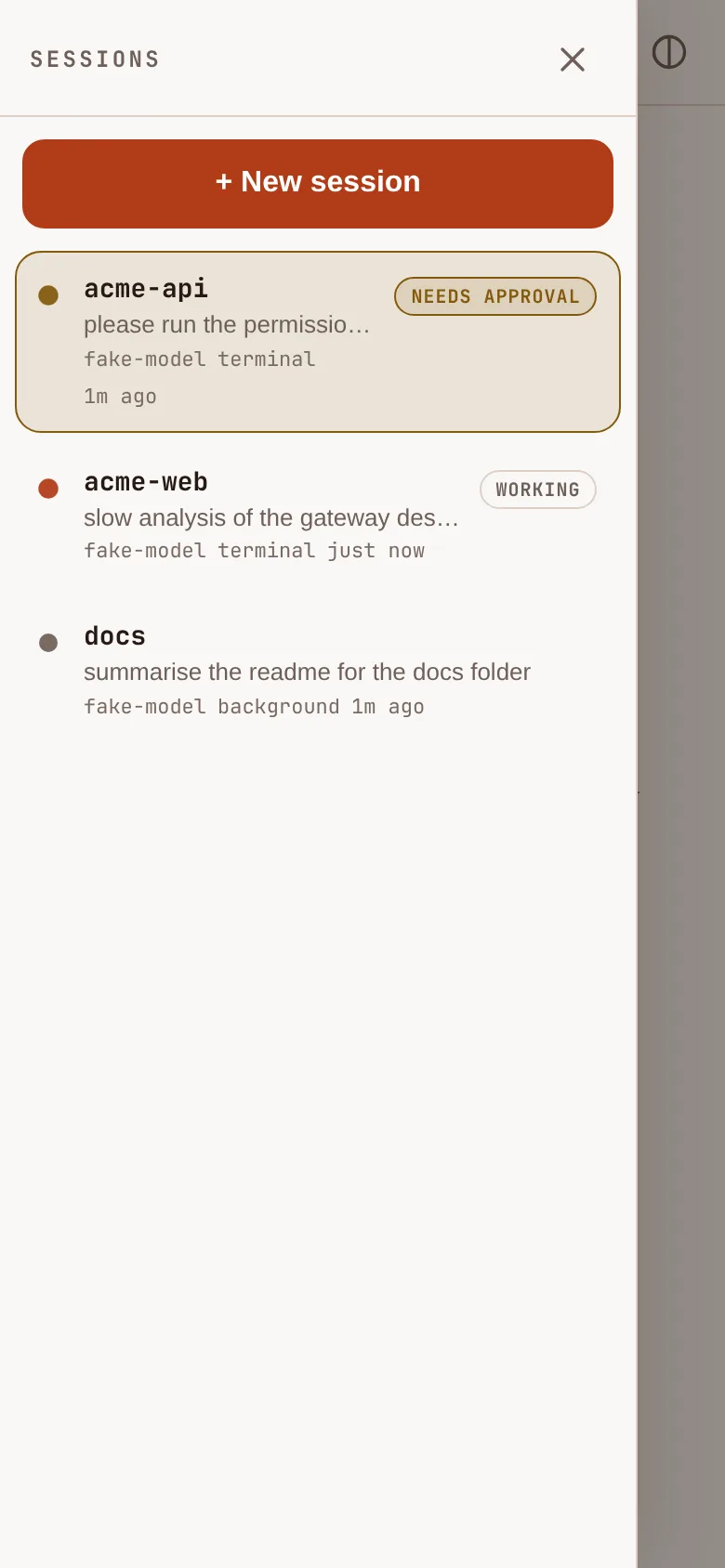
Approve and steer from your phone
- Pair with a short code that works once, or scan a QR code. Set it up with Tailscale for a real HTTPS certificate.
- See the exact diff before you approve a tool call. Start new sessions in folders you allowed.
- Notifications when a session needs you, with no commands, paths or error text in them.
- Share one session read-only: a link that lets one person watch it live, with no sending and no approvals, until the share ends.
Used from an iPhone on a home network. Other setups are not yet verified.
Control it from your phone →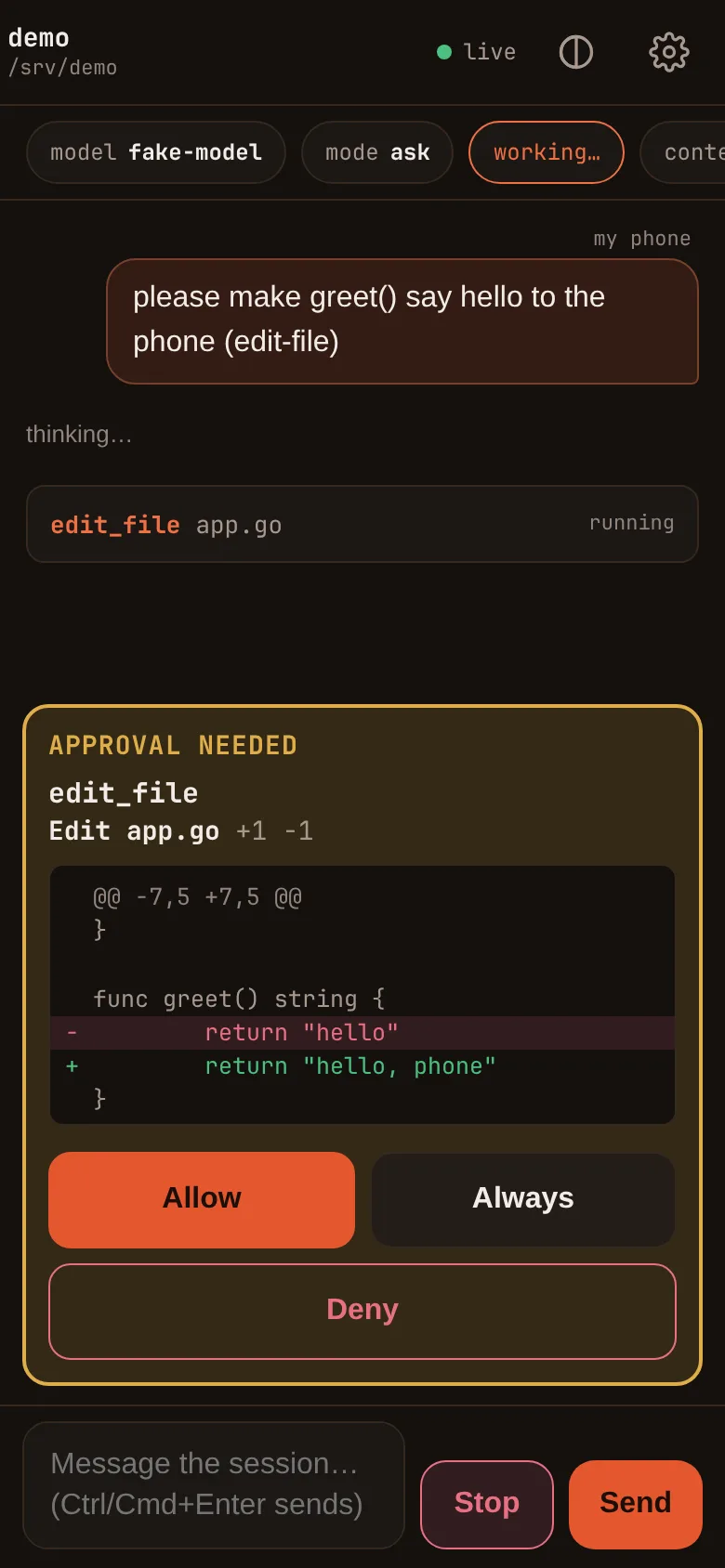
Why Maple
What it does for you behind the scenes, in plain words. What's inside Maple →
Keeps going when an account runs out
Add a second account or another model. When the first runs out of quota, is rate limited or is down, the task continues on the next one, with nothing for you to do.
FallbacksRemembers your project
Notes about your project, a map of your code, and search by meaning, so a new session doesn't start from scratch. The optional model for search by meaning runs inside the proxy, on your own machine.
Memory and the code mapLong sessions, kept in check
Requests shaped so your provider's cache can reuse them, what leaves the model's view in a long conversation kept and searchable, and a stop when the agent keeps failing at the same thing.
Long conversationsSee where your tokens go
What /cost tells you/costand the proxy's Cache tab show the cache hit rate, tokens read and written, and AI units per request. Your usage log is yours to query.A control panel, not a config file
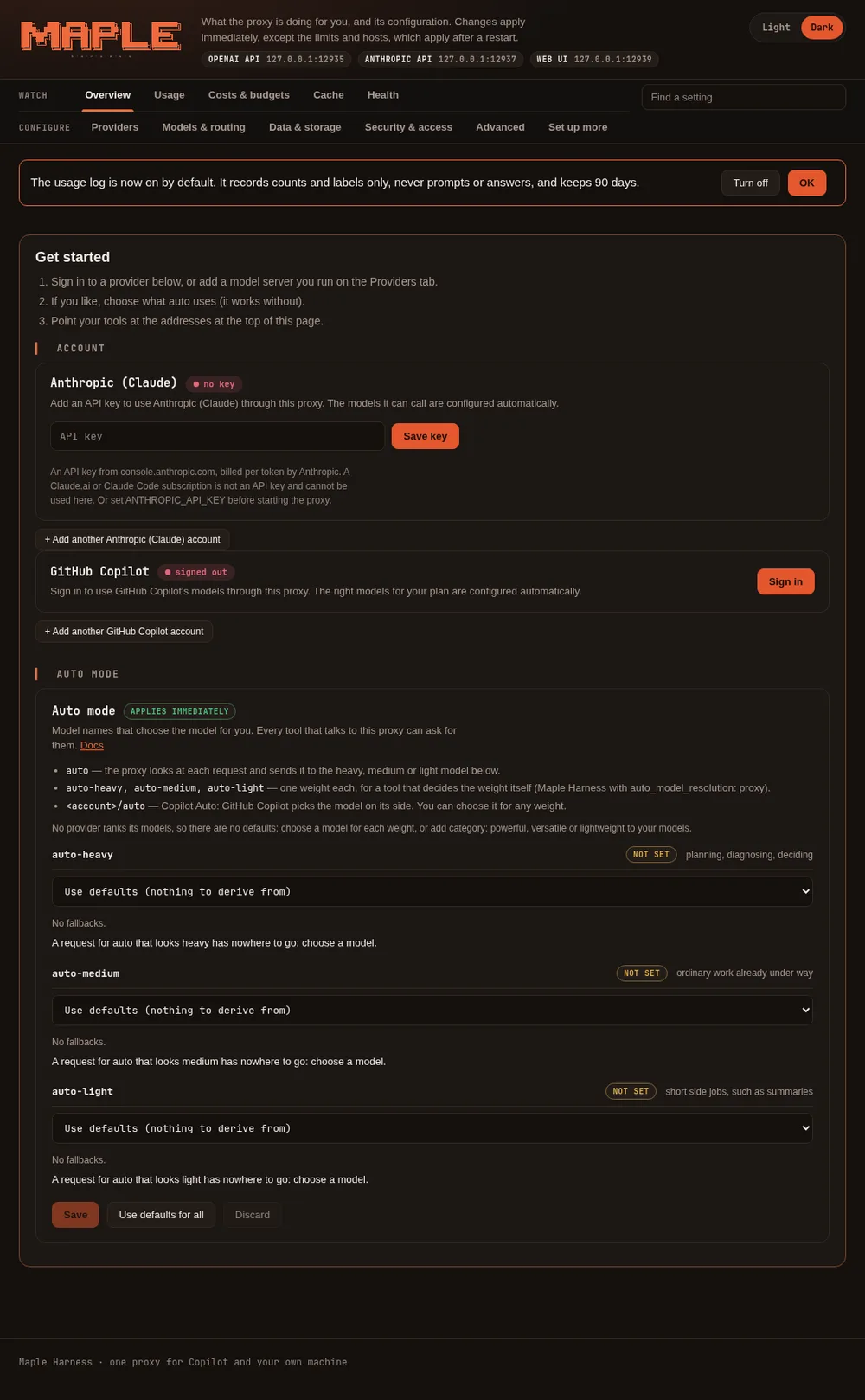
The proxy's setup page: what's on at a glance, a search box for any setting, and team features only when you ask for them.
The setup pageLocal and on-device models
Your own model server, or Apple's on-device model on a Mac with no network at all (macOS 26 on Apple silicon).
Connect a model serverFrom one laptop to a whole team
Share one proxy with people and budgets, chain proxies into hubs, and sign in with your company account. All off until you set it up.
Share Maple with a teamCareful by default
Permission rules, file tools that refuse your keys and shell history, a contained shell, and scoped, revocable device tokens.
Security
Don't take our word for it
Costs vary from task to task and run to run. Measure your own work, and read what we measured with its limits.
Check it yourself
/costin a session: what the task used, and what was read from the cache.- The proxy's Cache tab: the hit rate and AI units per request, for every tool that uses the proxy.
maple-harness bench: repeated, paired runs of your own tasks, with a spending cap.
Against GitHub Copilot CLI, on the same model
In seven paired runs over four tasks, Maple Harness used fewer AI units than Copilot CLI in every pair: task by task, between 21% and 40% fewer, and about 27% fewer at the median.
- When
- 27 September 2026, one day
- Account
- One GitHub Copilot business-seat account, used by both tools
- Model
gpt-6-solfor both- Tasks
- Four small coding tasks (Go tests, BDD specifications, a small web app): three run twice and one once per tool, seven paired runs in all
- Counted by
- GitHub's own AI-unit count for each tool's requests
Copilot CLI finished each task faster, by about 14% at the median. Both tools passed the tasks' automated checks on the same one run of seven, so this compares cost, not quality. One account, one model, one day: a real result, not a promise for your tasks.
A larger task, one run each
Both agents were given the same specification (an offline expense-tracker app with 20 named BDD scenarios), the same model (gpt-6-sol) and the same machine. Each side's figures come from its own accounting, and wall time is taken from outside the process. This is a single run: a later comparable run on another machine went the other way, so treat it as an example, not a rule, and measure your own with /cost and the proxy's Cache card.
| Maple Harness | Copilot CLI | |
|---|---|---|
| Wall time | 17m 16s | 49m 13s |
| AI units | 188.00 | 1,165.66 |
| Input served from cache | 6,504.1k of 6,585.8k tokens | not reported |
| Turns | 142 | not reported |
| Files produced | 65 | 57 |
| Commits | 5, clean tree | 6, clean tree |
Documentation
Guides for what you want to do, and a reference for every setting, command and key. All documentation →
Download and licence
Binaries for macOS, Linux and Windows are on the public releases page, with checksums.
Free for everyone to use, personal and commercial alike. You may redistribute the binaries unmodified with the licence text attached.
Closed source, all rights reserved. Maple Harness belongs to its author; the source code is not licensed for reuse. It is provided as is, without warranty, and you are responsible for how you use it, including the costs of the model providers you connect. Read the full licence; for anything else, write to kinncj@gmail.com.